How do I share my Stelo glucose data with health apps?
Get the full picture of your glucose health by seamlessly connecting activity and sleep data from your Apple Health or Google Health Connect apps with Stelo.
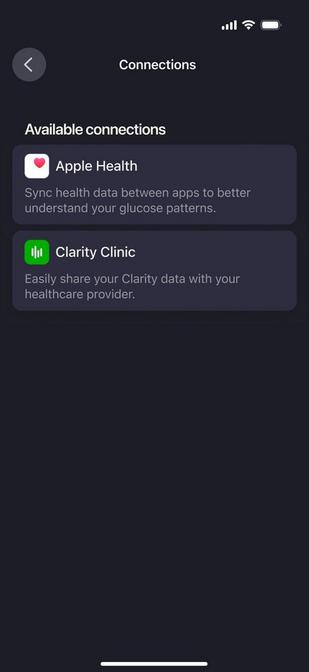
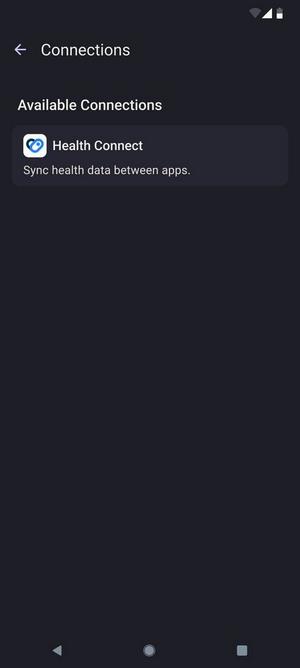
To share your Stelo glucose data with your health apps, go to Settings > Connections and follow the instructions on screen for your desired health app connection.
If you enable this feature, you’ll see the sleep and activity data from your health app throughout the Stelo app experience.
Just a heads up: Stelo sends your glucose data to health apps with a 3-hour delay. For activity and sleep data, Stelo checks your health app every 5 minutes when the Stelo app is open. Not seeing updates? Try reopening the Stelo app to prompt a refresh.
MAT-4573
Related articles
Can I get Stelo glucose data directly on my Apple Watch?
Yes, you can get your Stelo glucose data directly on compatible Apple Watch devices, even without your phone being nearby. Learn how to connect your smartwatch.